Download Yacine TV for PC
A comprehensive step-by-step guide to watching sports channels on your large computer screen.
Why run Yacine TV on a PC?
Watching matches on a computer screen gives you a far superior experience compared to a mobile device. The larger screen means clearer details, and the powerful processor delivers smoother streaming without lag. Furthermore, you can use a mouse and keyboard to easily navigate between channels.
The easiest and fastest solution for running Yacine TV on your computer is to use an Android emulator like LD Player. It is a free, lightweight emulator that natively runs on all versions of Windows.
Steps to run Yacine TV on Windows
- Download LD Player - Click the "Download Emulator" button below. The emulator is completely free and doesn't require any subscription.
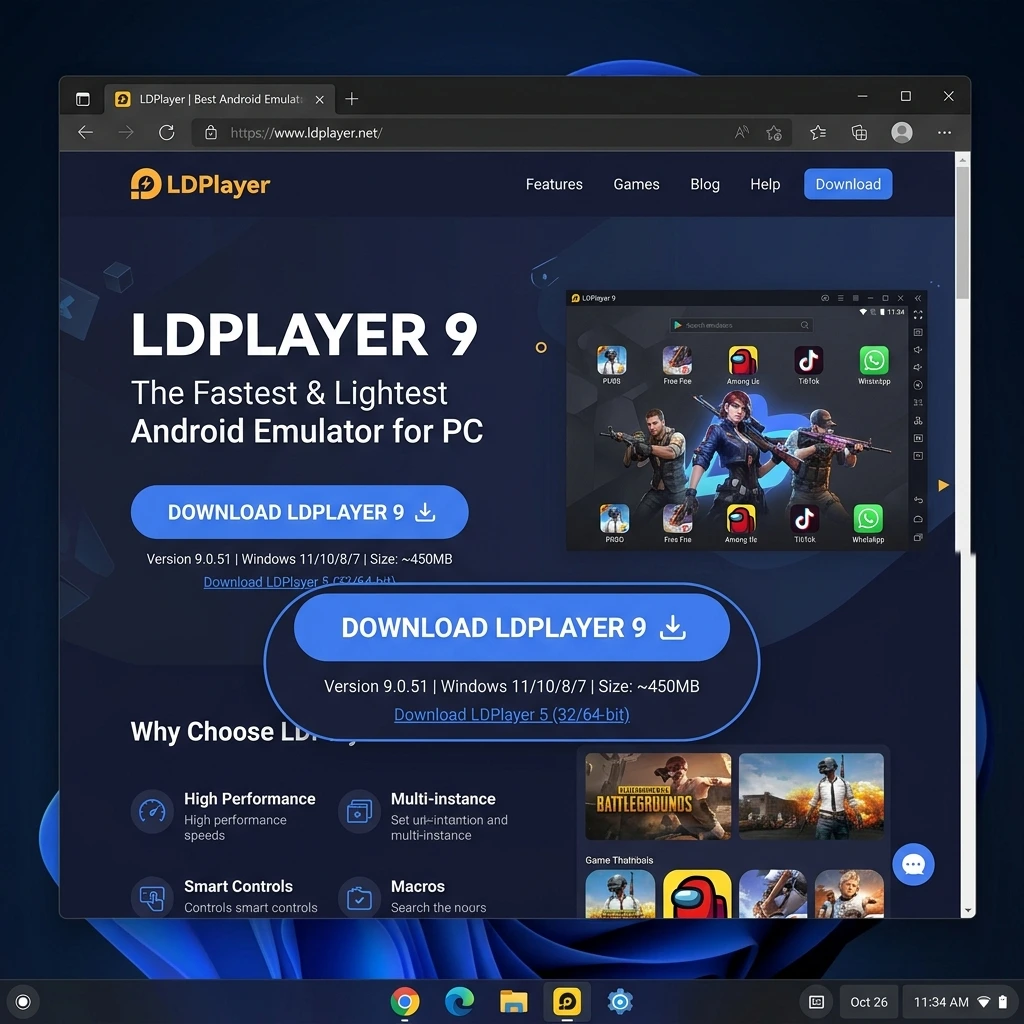
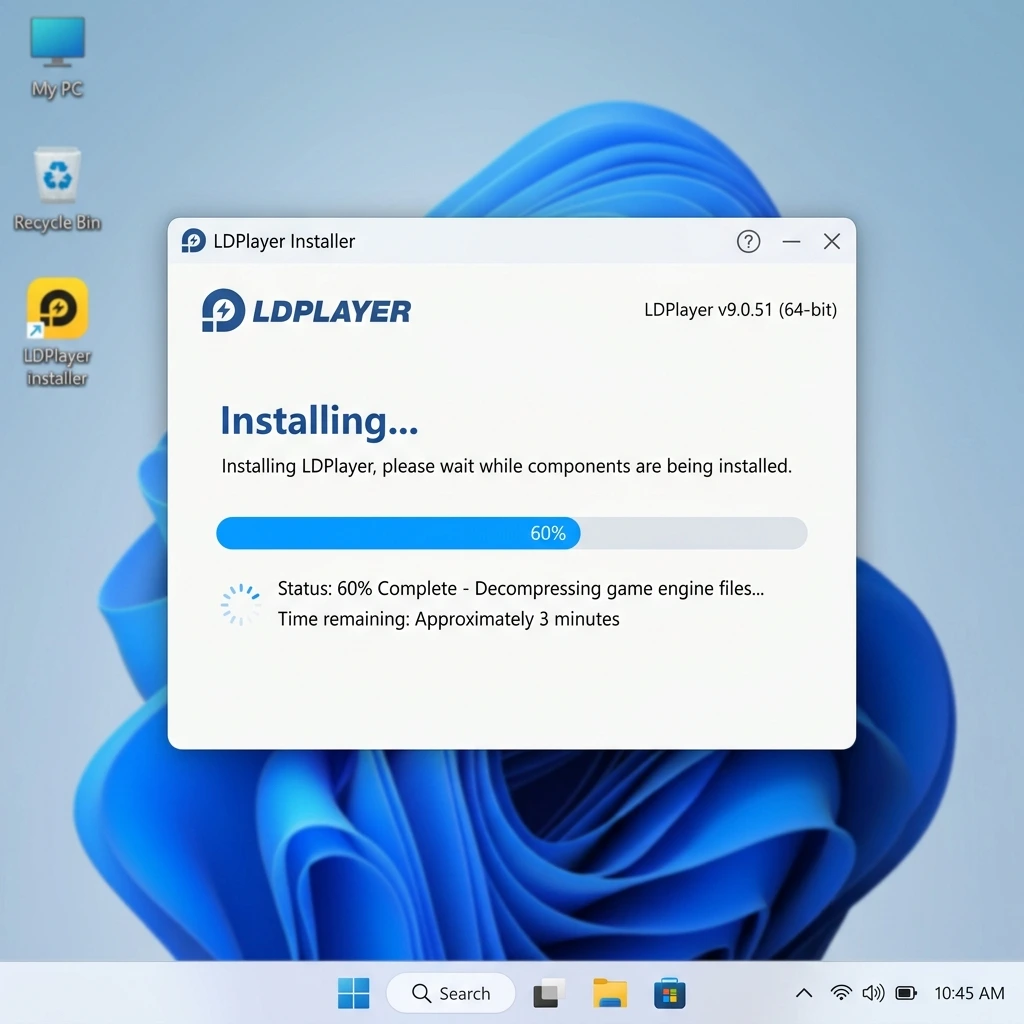
- Install the Emulator - Once downloaded, open the installation file and follow the simple on-screen instructions. Select your installation folder, click "Install", and wait a few moments.
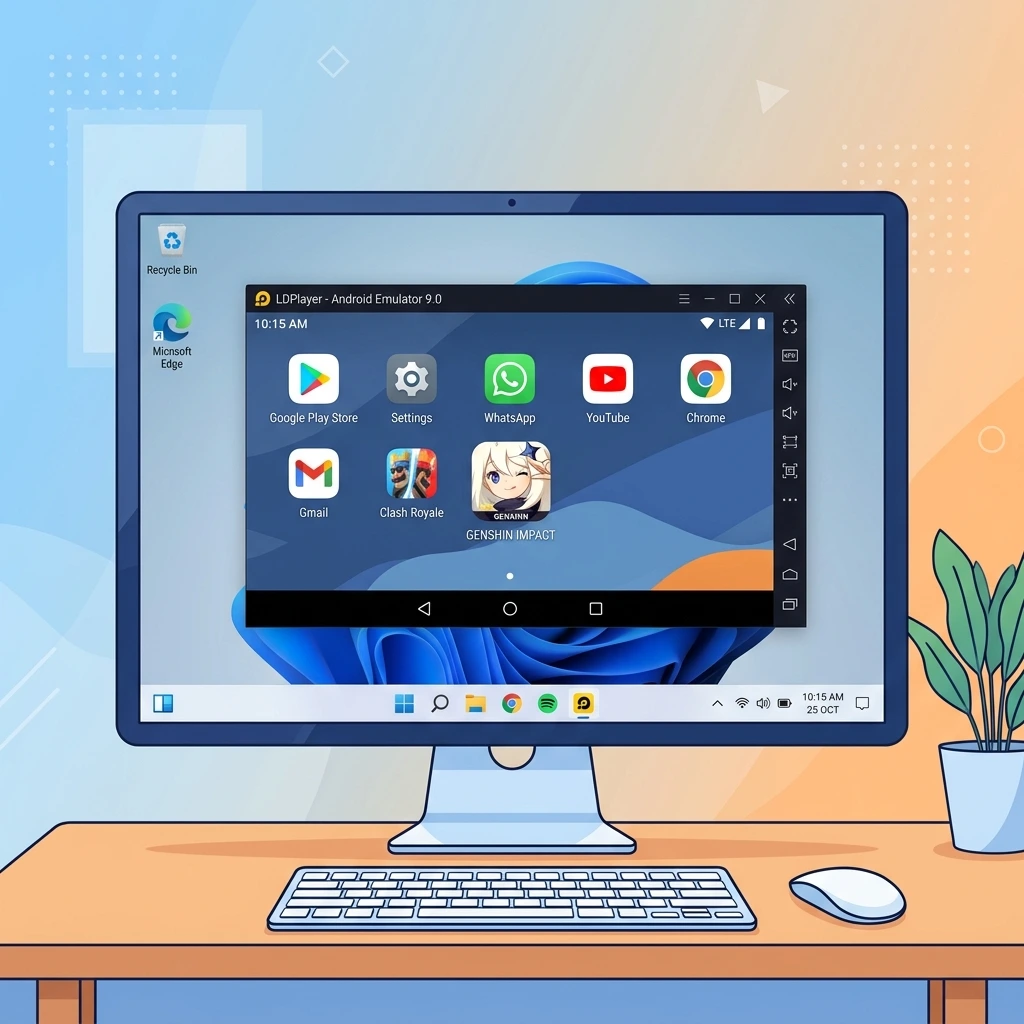
- Launch LD Player - After installation, open the emulator from your desktop shortcut. The first launch may take a few minutes to configure the virtual environment.
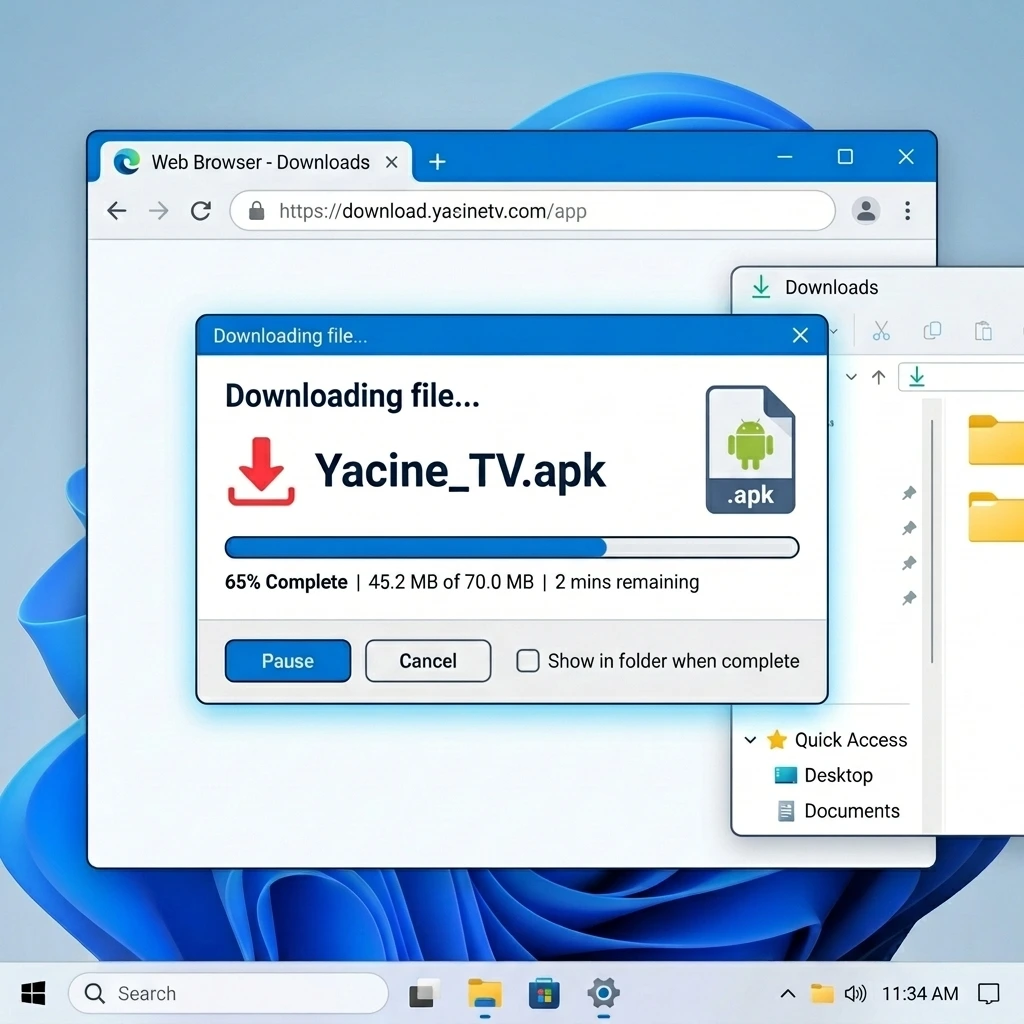
- Download Yacine TV App - Download the Yacine TV APK file from our homepage and save it to your computer.
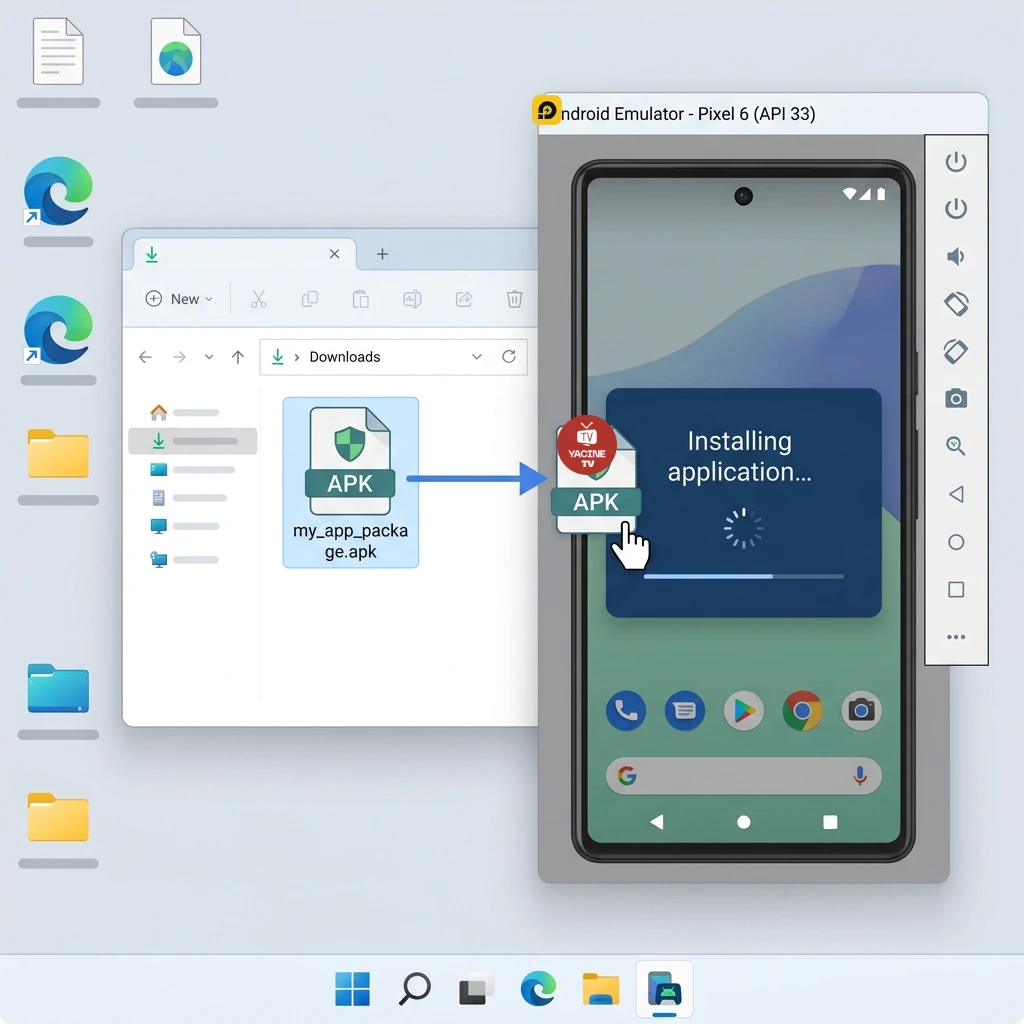
- Install the App inside the Emulator - Drag and drop the downloaded APK file into the LD Player window, or click the "Install APK" button on the emulator's sidebar and select your file.
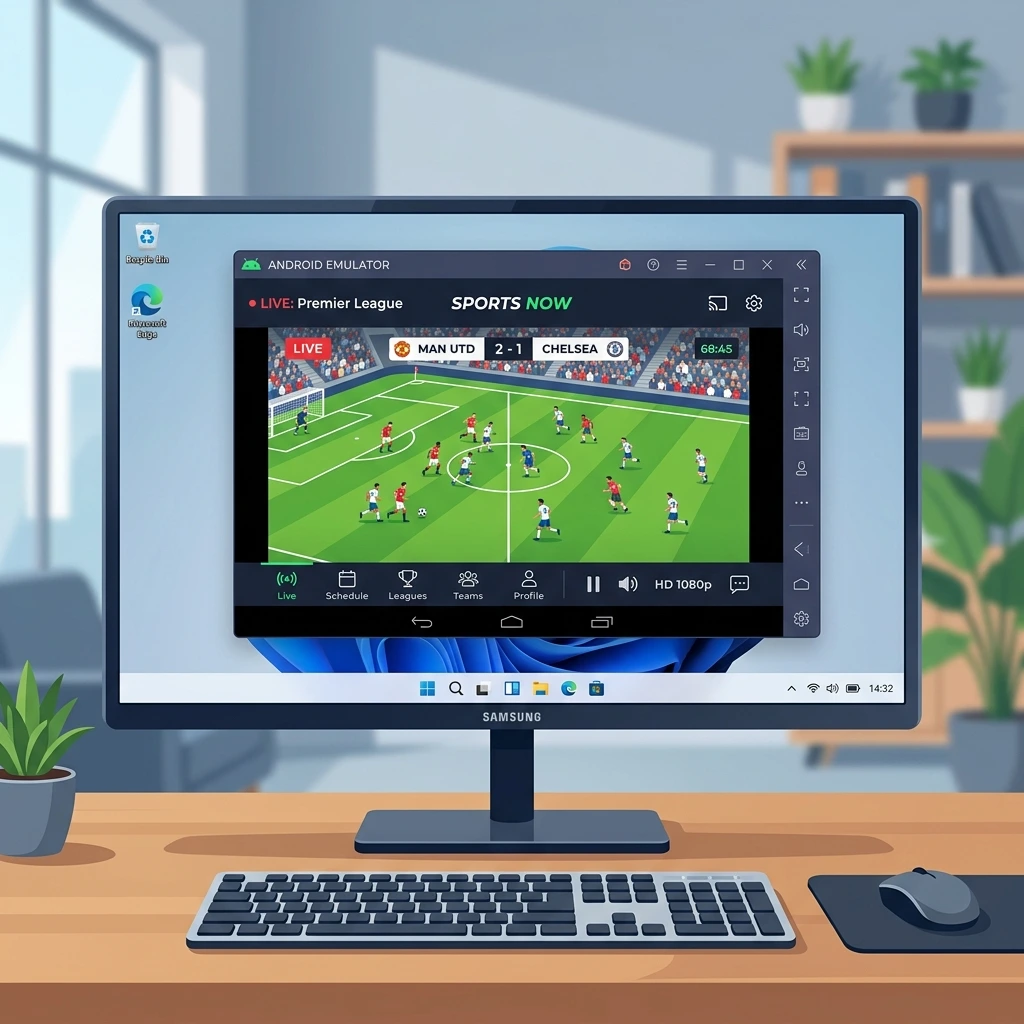
- Start Watching - Open the Yacine TV app within the Android emulator and enjoy seamless streaming of all sports channels natively on your PC!
Start Now
Download the emulator and start watching matches on your computer in minutes.
Tips for the Best Experience
- Use an Ethernet cable instead of Wi-Fi for a more stable and faster connection.
- Allocate at least 4GB of RAM to the emulator within its settings menu.
- Close heavy background applications while streaming to ensure maximum performance.
- Regularly update your emulator and the Yacine TV app to enjoy the latest optimizations.
- Press F11 to use the emulator's full-screen mode for the ultimate viewing experience.
Frequently Asked Questions
Is the emulator free?
Yes, the LD Player emulator is completely free to use and does not require any paid subscription.
Does it work on all versions of Windows?
Yes, LD Player is highly optimized and works beautifully on Windows 7, 8, 10, and 11.
What should I do if the stream is buffering?
Check your internet speed and ensure you have at least a 5Mbps connection. You can also read our full guide on Fixing Yacine TV Buffering.
Related Articles
Best Android Emulator for PC
Discover the top available emulators and how to choose the right one for you.
Read the full articleFix Yacine TV Buffering PC
Effective solutions for lag and buffering issues during live streams.
Read the full articleWatch Matches on PC
The best methods to follow live sports events on your computer screen.
Read the full article