Install Yacine TV on PC — Complete 2026 Guide
Last updated: June 2026
Watch live sports and hundreds of channels on your big PC screen — for free, no subscription. The whole setup takes under 10 minutes.
6-Step Installation Guide
Follow the steps in order — each one takes under 2 minutes.
-
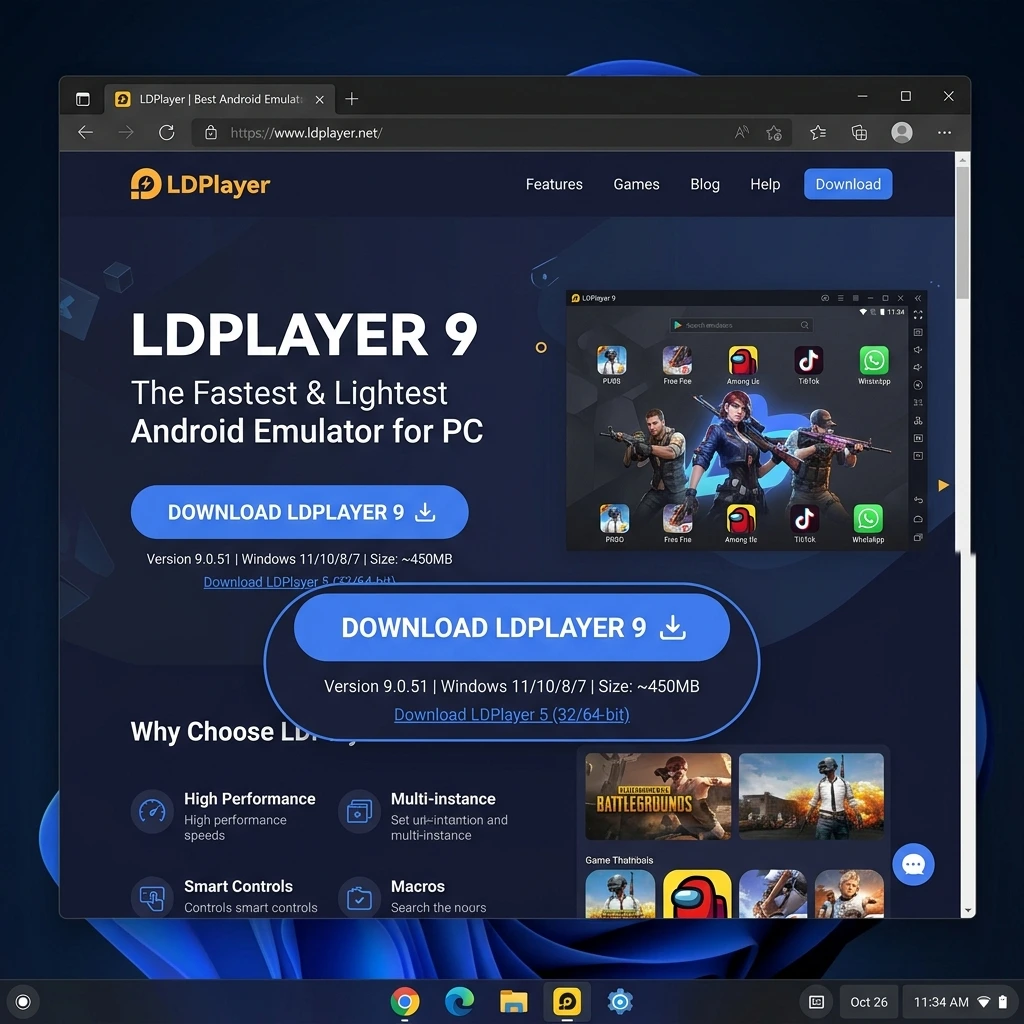
1 Download LDPlayer on your PC
LDPlayer is the lightest and fastest emulator for streaming apps. The file is 350 MB and comes straight from the official site — completely safe.
-
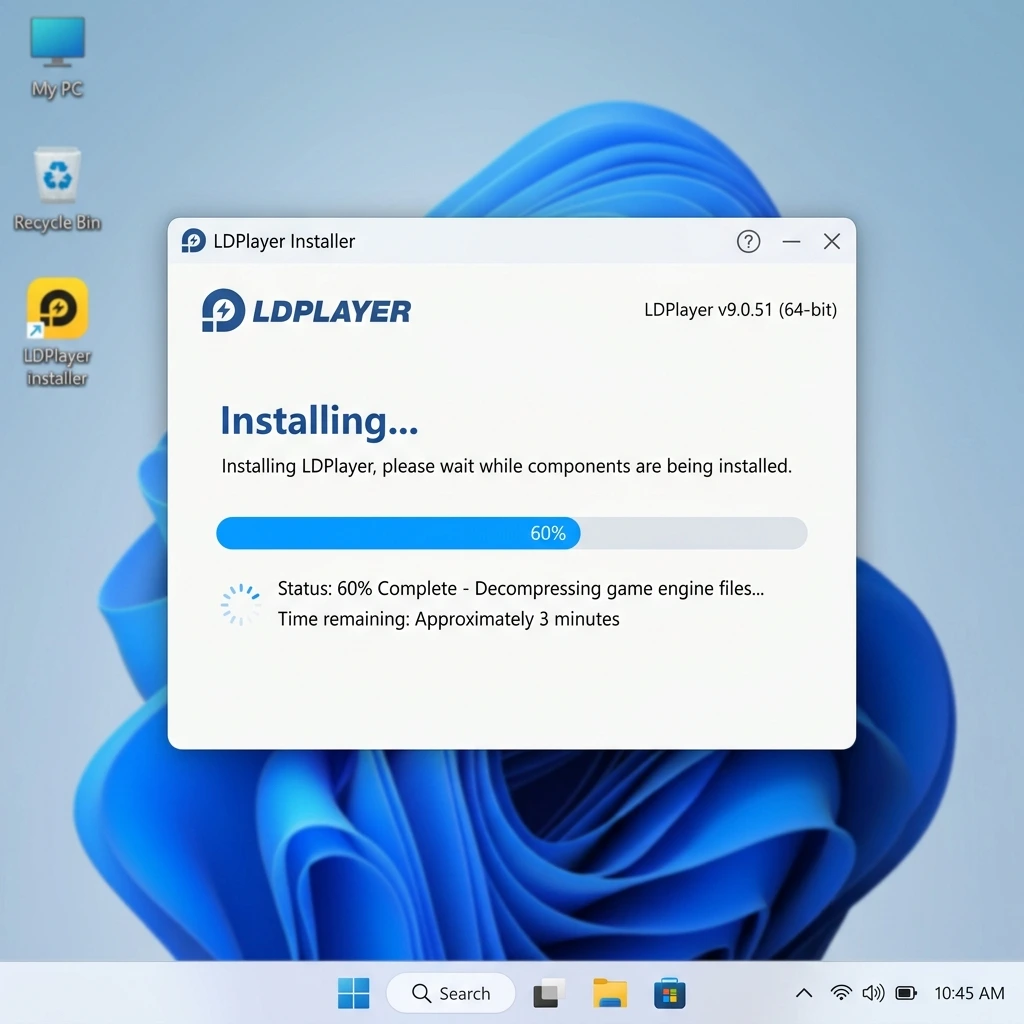
2 Run the installer and set up LDPlayer
Double-click the downloaded file and hit "Install". No special settings needed — the defaults work perfectly for streaming.
-
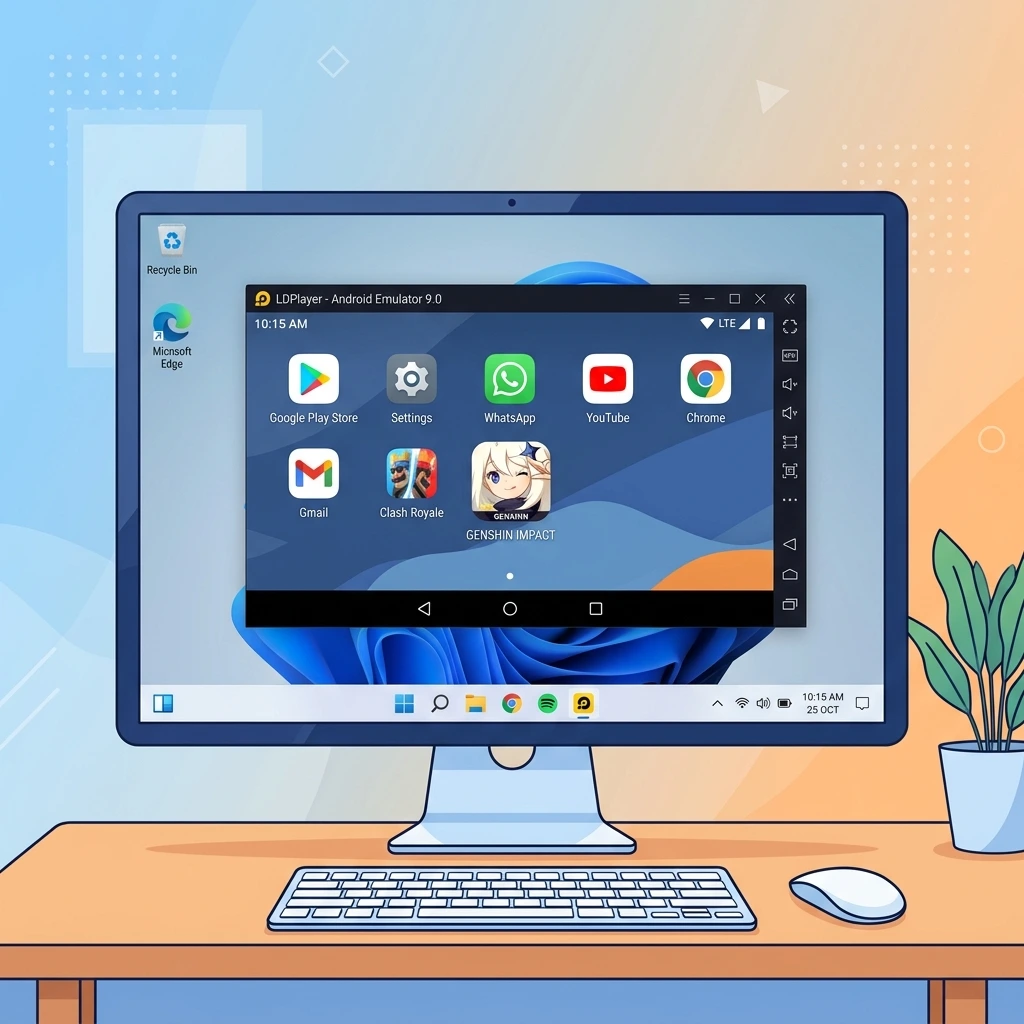
3 Open LDPlayer and wait for first-time setup
You'll find LDPlayer on your desktop after installation. Open it — the first launch takes about a minute to initialize, then it's fast every time after.
⚡ Haven't downloaded LDPlayer yet? It's the lightest emulator for streaming!
⬇ Download LDPlayer Free No registration • No subscription -
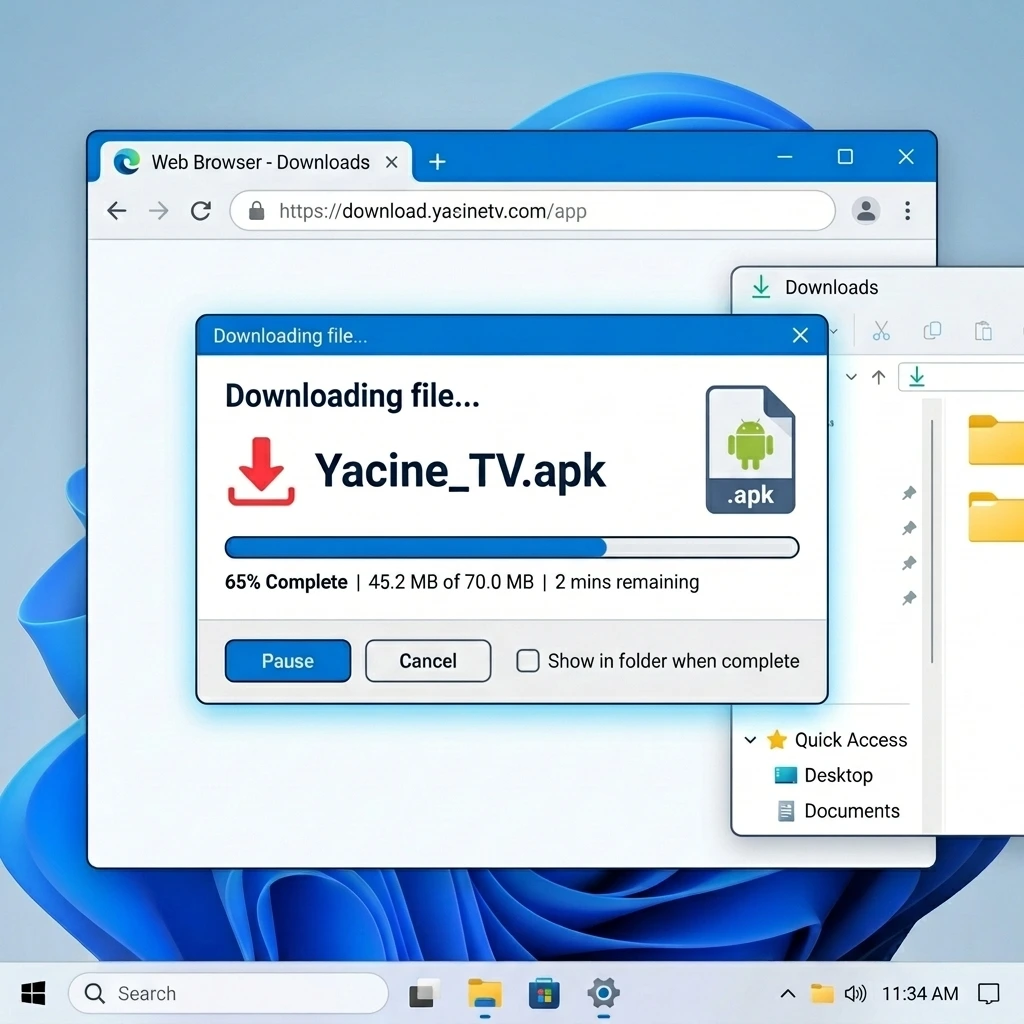
4 Download the Yacine TV APK file
While LDPlayer is open, click the button below to download the latest version of the Yacine TV app directly to your PC.
-
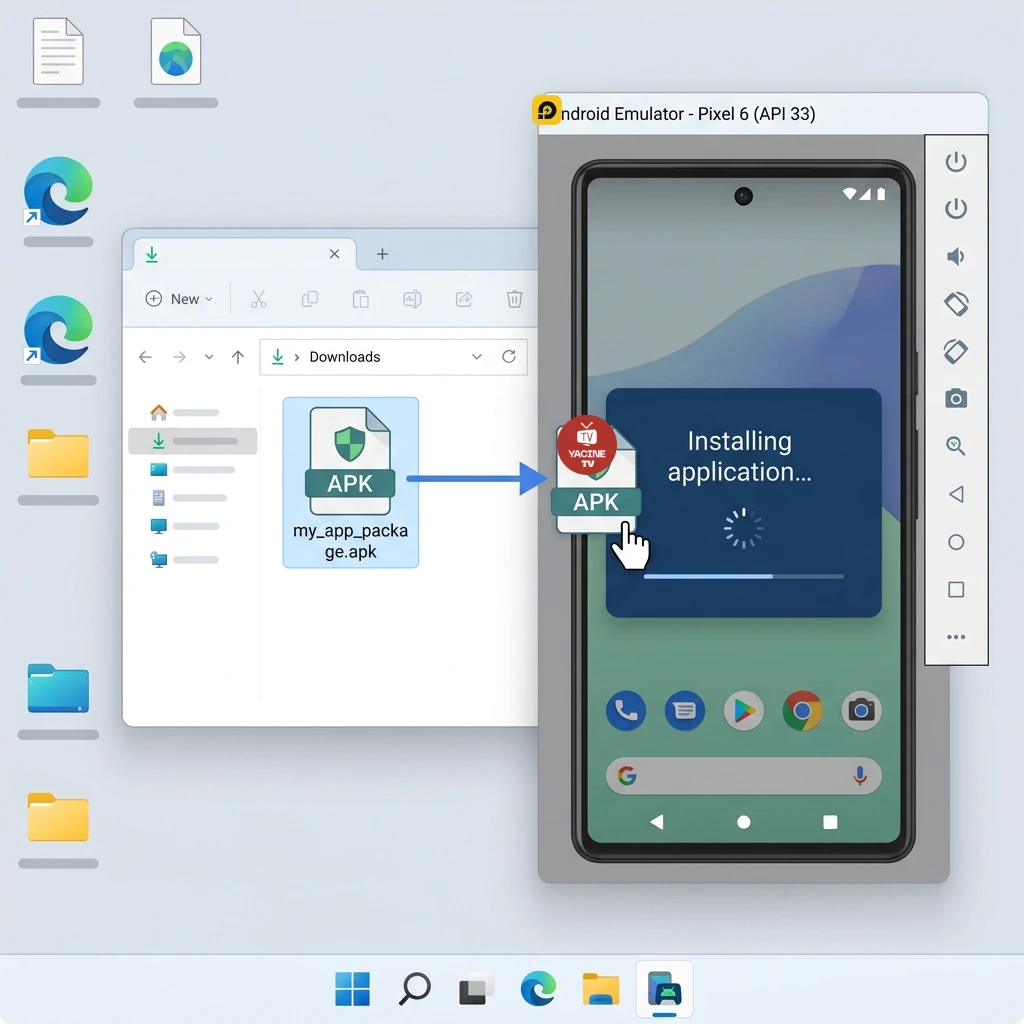
5 Install the app inside LDPlayer
Drag the APK file you downloaded and drop it directly onto the LDPlayer window. Installation starts automatically in seconds — just hit "Install" when prompted.
-
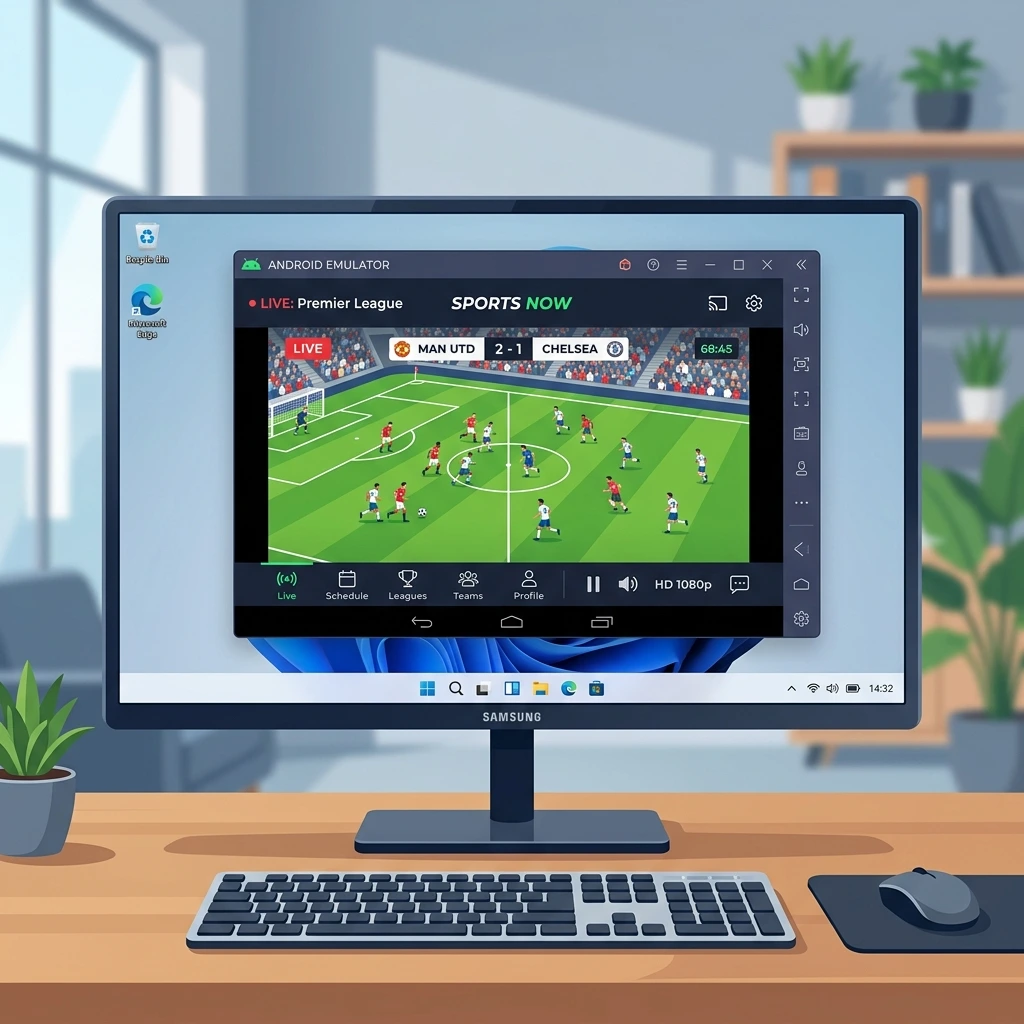
6 Open the app and start watching 🎉
You'll find the Yacine TV icon on LDPlayer's home screen. Open it and browse hundreds of channels and live matches right on your big screen.
🎯 Get set up before the next match — 10 minutes is all it takes
Tips for the Best Streaming Experience
- Use an Ethernet cable instead of Wi-Fi for the most stable connection during live matches
- In LDPlayer settings, allocate at least 4 GB of RAM to the emulator
- Set graphics to OpenGL — more stable than DirectX for streaming apps
- Close heavy background apps (browsers, video editors) while watching
- If buffering occurs, temporarily lower stream quality in Yacine TV settings
- Press F11 to go fullscreen in LDPlayer for a TV-like experience
More Guides You Might Find Useful
Best Android Emulator for PC
A full comparison of LDPlayer, BlueStacks, and Nox to help you pick the right one for your hardware
Read the guideFix Streaming Lag & Buffering
Proven solutions for lag and buffering problems during live sports broadcasts
Read the guideWatch Matches on PC
Best ways to watch football and sports events on your computer in high quality
Read the guideFull Windows Guide
The complete guide to downloading and running Yacine TV on Windows 7, 10, and 11
Read the guideFrequently Asked Questions
Is the installation completely free?
Yes, entirely. Both LDPlayer and Yacine TV are free — no credit card, no monthly fees.
What if I get a black screen when opening the app?
This usually means your graphics drivers need updating. Install the latest driver from your GPU manufacturer's site, then restart LDPlayer.
Will it run on a low-end laptop?
Yes, if it has 4 GB of RAM and at least an Intel Core i3. Set LDPlayer's resolution to 720p for better performance on older hardware.
Does it work on Windows 11?
Yes. LDPlayer and Yacine TV are fully compatible with Windows 7, 8, 10, and 11 — both 32-bit and 64-bit.
Why is LDPlayer better than BlueStacks?
LDPlayer is much lighter on system resources, boots faster, and is more stable for live streaming apps. BlueStacks is great but needs higher specs.
🚀 Ready? Start in just two steps
Download the emulator first, then the app — and you're watching in 10 minutes