Yacine TV for Windows: Stream Sports on Your PC
Turn your computer into the ultimate sports entertainment hub. Enjoy crystal-clear streams and an immersive viewing experience on your big screen.
 Download LD Player
How to Install Yacine TV on Windows with LD Player
LD Player is a powerful and reliable Android emulator that lets you run Yacine TV directly on your PC. Follow these straightforward steps to get started:
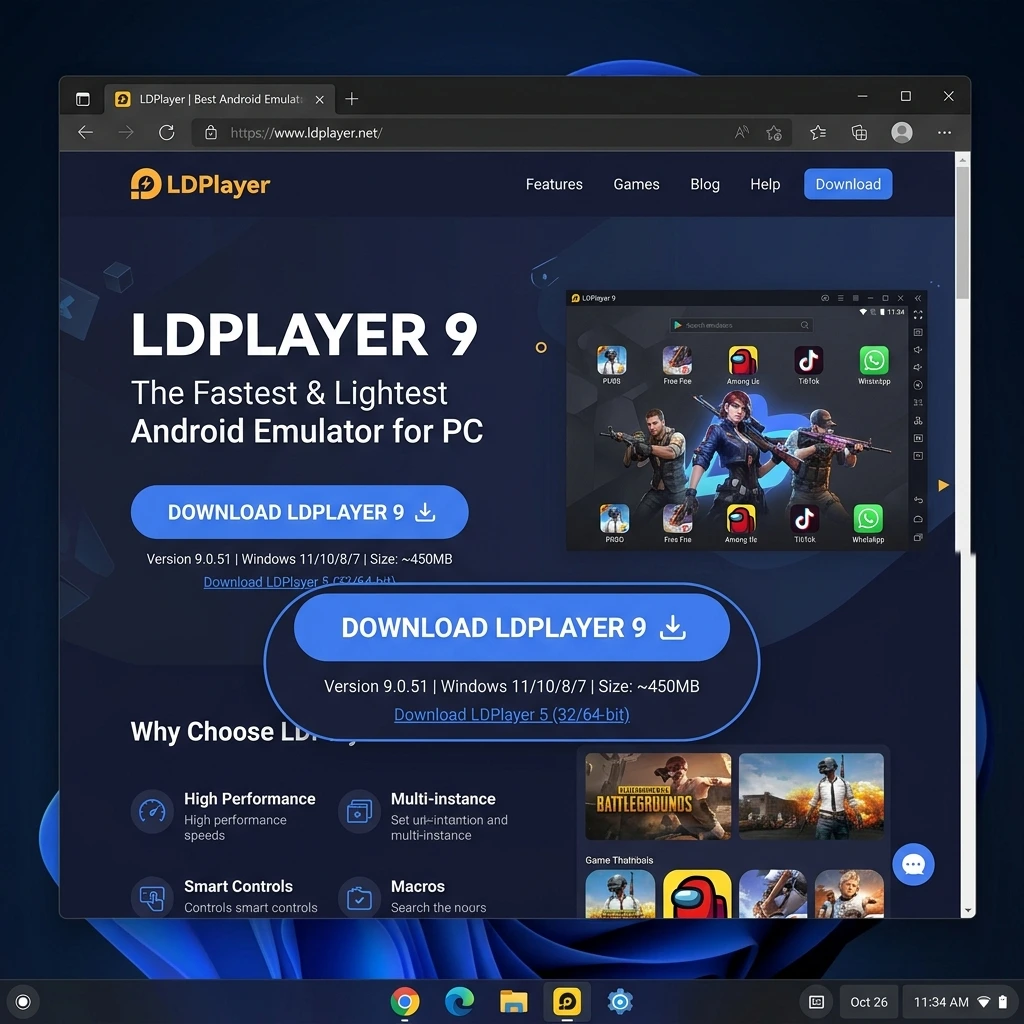
- Download LD Player - Click the button above or visit this link
to get the emulator from the official website
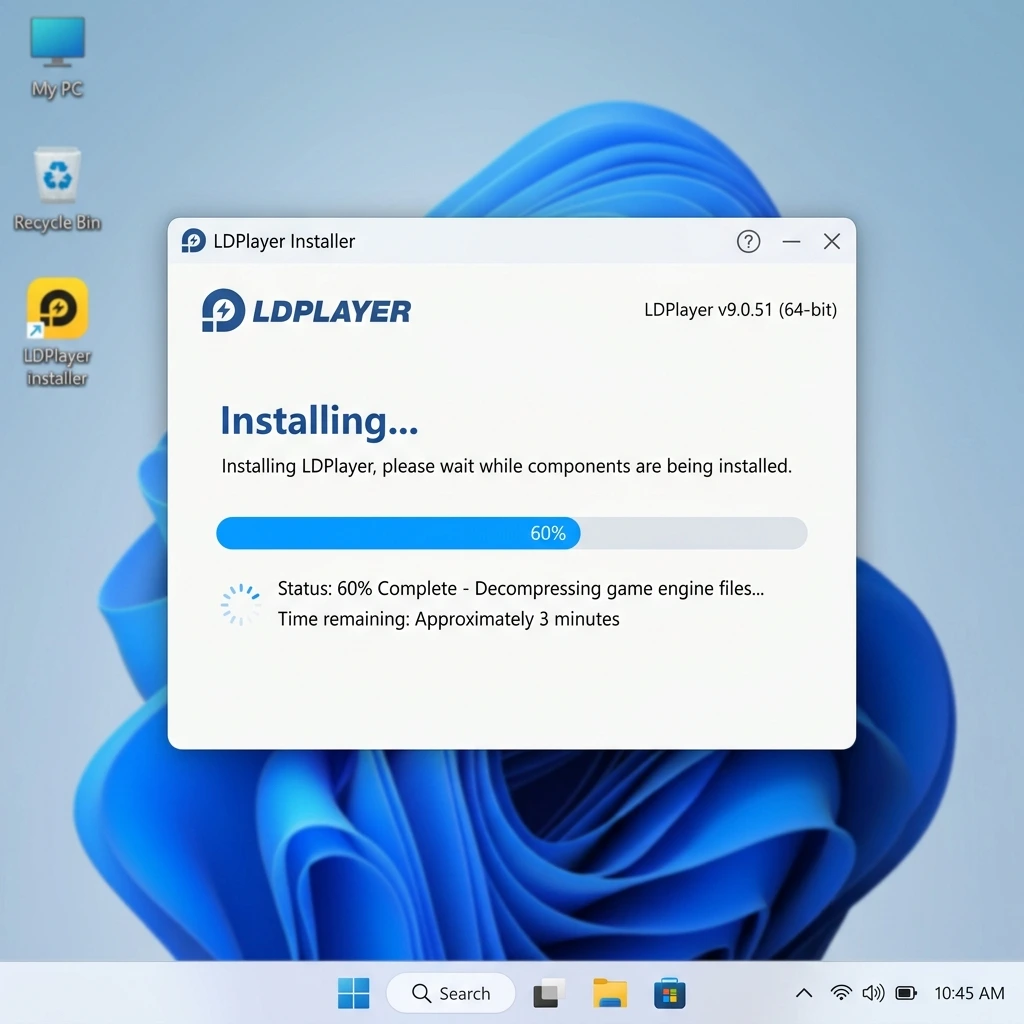
- Install the emulator - Run the downloaded file and follow the on-screen
instructions. Choose your installation folder and wait for the setup to complete
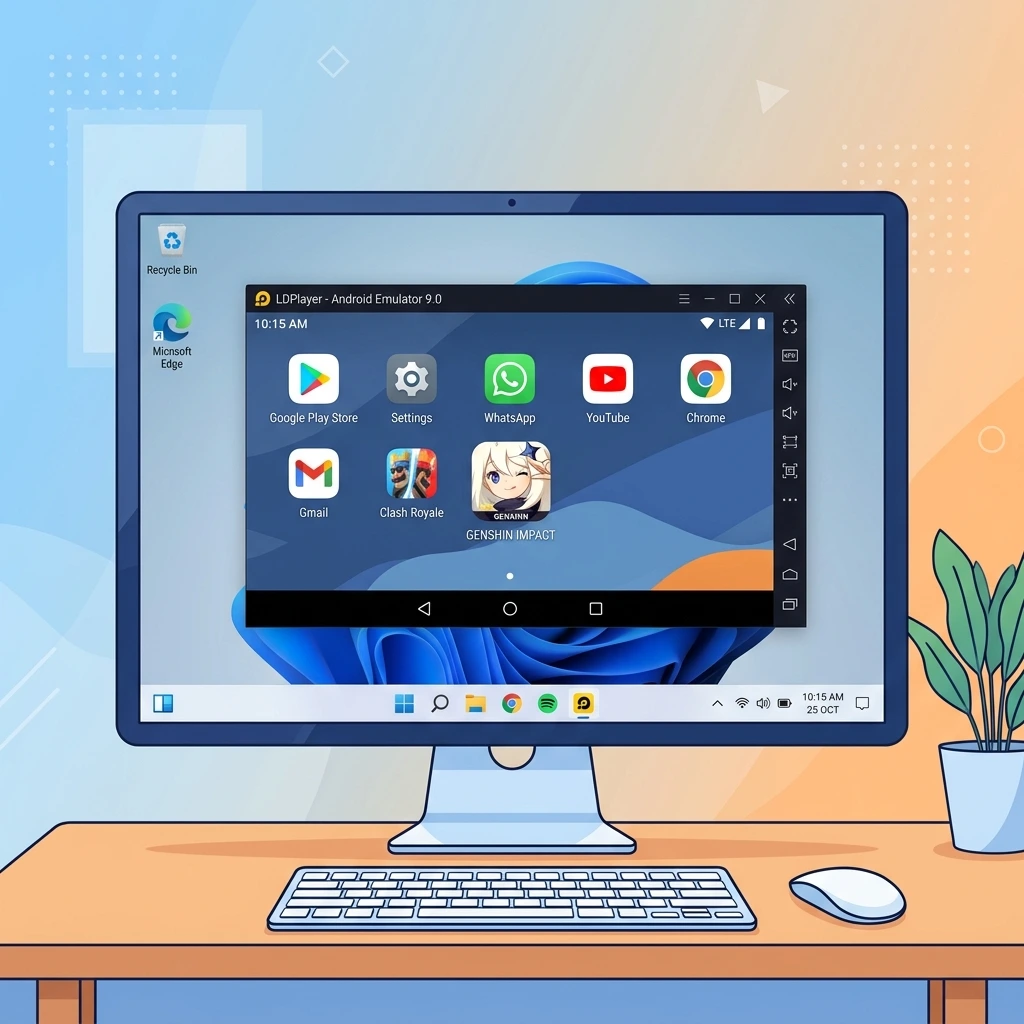
- Launch LD Player - Open the emulator from your desktop or Start menu. The first
launch may take a few minutes to initialize the environment
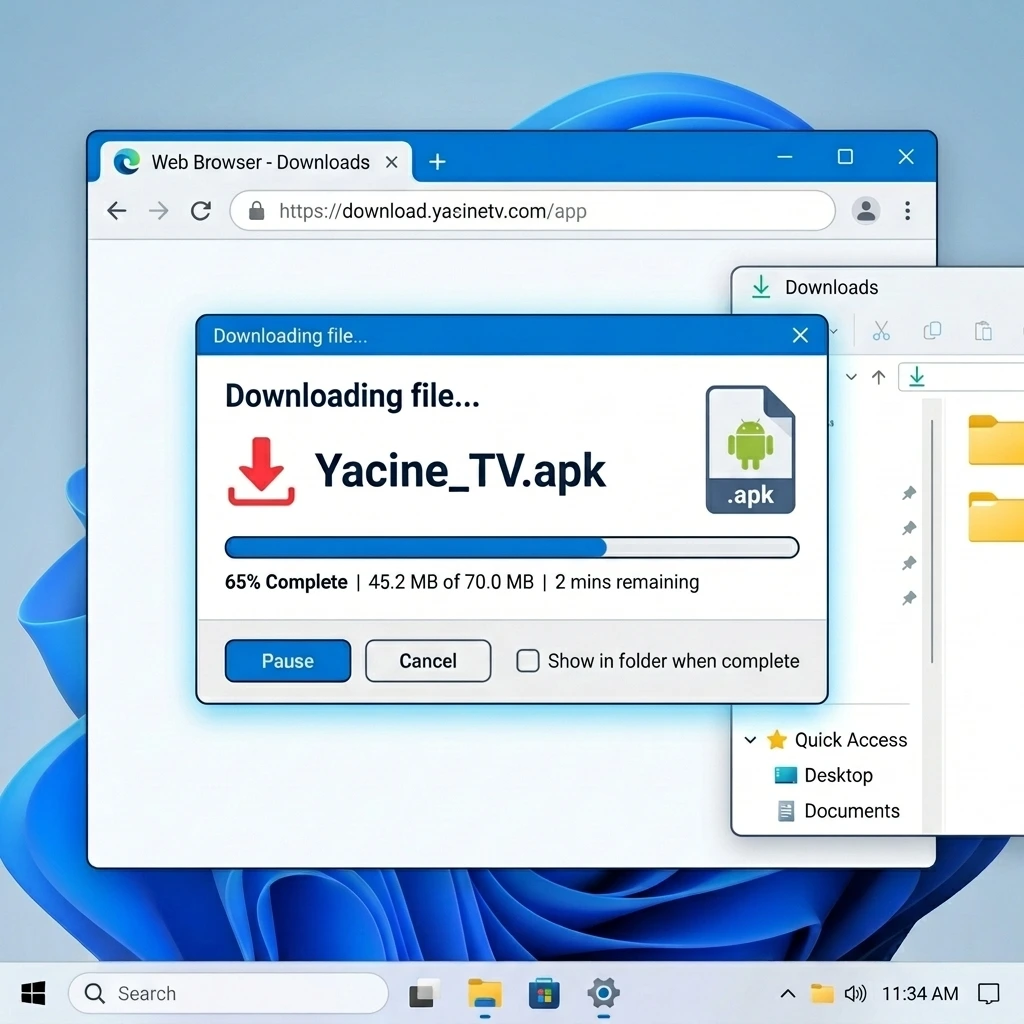
- Get the Yacine TV app - Download the APK file here or drag
and drop it directly into LD Player
- Install the application - Once the APK file opens in LD Player, click "Install"
and wait for the process to finish
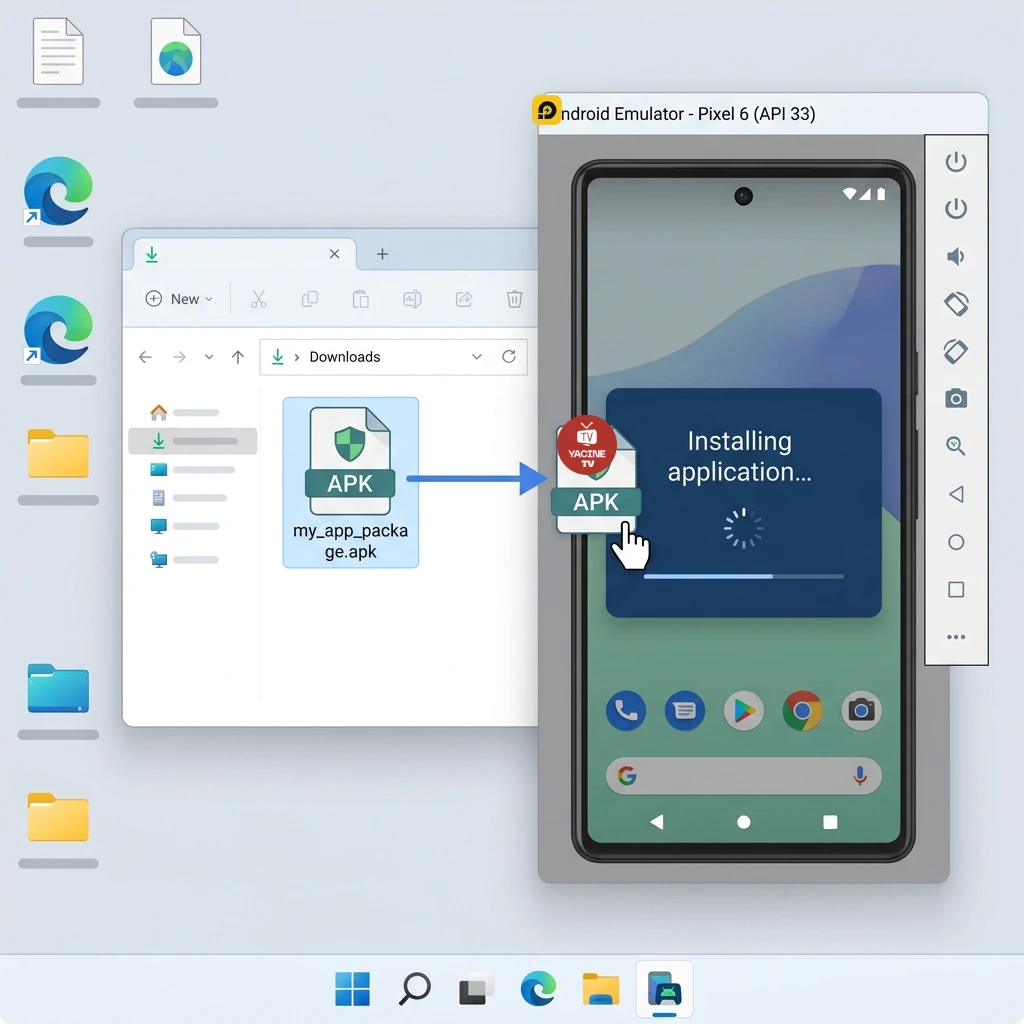
- Start streaming - You're all set! Open Yacine TV and explore all the sports
channels available on your big screen
Why Run Yacine TV on PC with LD Player?
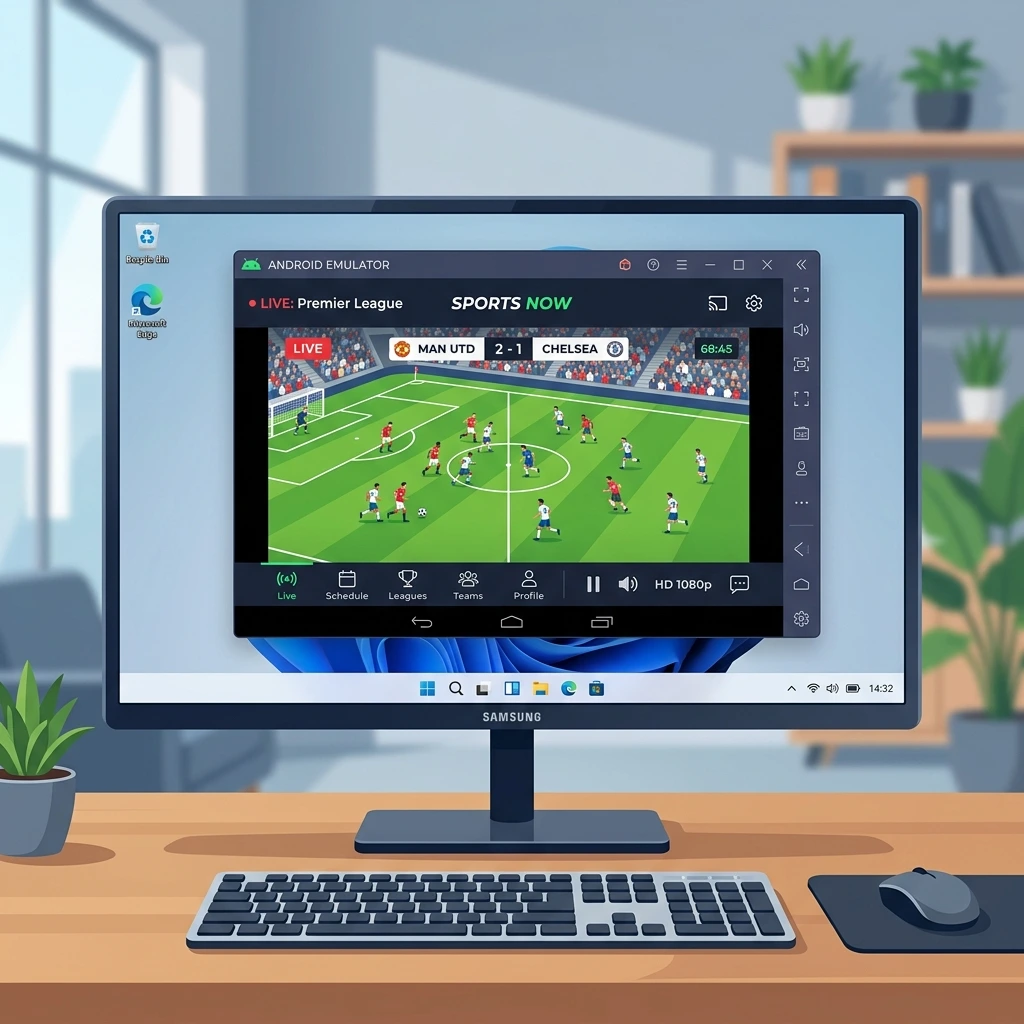
Watching sports on a small smartphone screen can feel limiting, especially during big matches. With LD Player, you can now enjoy Yacine TV on your Windows computer and experience a much more satisfying viewing session.
LD Player stands out for its lightweight design and optimized performance. Unlike other emulators that drain your system resources, this one runs smoothly even on modest hardware configurations. It's the perfect solution for anyone who wants to enjoy sports streaming without investing in additional equipment.
The biggest advantage is screen size. On a PC monitor, you catch every detail of the game, every play in the box. Add the convenience of using your mouse and keyboard for navigation, and you get a significantly better user experience overall.
Key Benefits of LD Player for Yacine TV
Fast and reliable emulator
LD Player delivers outstanding performance with optimized resource usage. Your PC stays responsive even during extended streaming sessions
Large screen experience
Follow every moment of the action on a screen much bigger than your smartphone. Details are sharper and the viewing experience is immersive
Mouse and keyboard control
Navigate between channels and settings with ease using your mouse. No more tapping on a small touchscreen
Wide Windows compatibility
Works flawlessly on Windows 7, 8, 10, and 11. Whether your PC is new or a few years old, LD Player adapts
Minimal system footprint
The emulator uses minimal disk space and doesn't slow down your system. Quick installation and clean uninstall
Completely free
LD Player is entirely free with no hidden fees or subscriptions. All features are accessible at no cost
System Requirements for LD Player
For the best experience with Yacine TV on LD Player, make sure your PC meets these specifications:
- Operating System: Windows 7 SP1 or newer (Windows 10/11 recommended)
- Processor: Intel Core i5 or AMD Ryzen 5 (or equivalent)
- RAM: 4 GB minimum (8 GB recommended)
- Storage: At least 2 GB of free disk space
- Graphics: OpenGL or Vulkan compatible GPU
- Internet: 5 Mbps minimum for smooth streaming
- Display: 1366x768 pixel resolution minimum
Tips for the Best Streaming Experience
- Use an Ethernet cable instead of Wi-Fi for a more stable connection
- Allocate sufficient RAM to LD Player in the emulator settings
- Close resource-heavy applications while watching
- Keep LD Player updated to benefit from the latest improvements
- Use full-screen mode for maximum immersion
- Make sure your graphics drivers are up to date
- On a laptop, plug in the charger for peak performance
Common Issues and Solutions
LD Player won't start or runs slowly
Check that your PC meets the minimum requirements. Lower the performance settings in LD Player (resolution, FPS) and close background programs.
Stream is lagging or buffering
Test your internet speed (at least 5 Mbps required). Switch to a wired connection if possible. Reduce stream quality in Yacine TV settings if needed.
Black screen or distorted display
Update your graphics card drivers. Adjust the graphics settings in LD Player. If the issue persists, try reinstalling the emulator.
App won't install in the emulator
Verify that LD Player has internet access. Try removing and reinstalling the app. Restarting the emulator can also resolve installation issues.
No audio in the emulator
Check the audio settings in both Windows and LD Player. Ensure volume levels are turned up on both sides.
PC vs Smartphone: What's the Difference?
Both platforms provide access to the same channels and features. Here's how they compare:
- Screen size: A PC monitor offers an unmatched viewing area
- Performance: Your computer's resources ensure optimal smoothness
- Navigation: Mouse and keyboard make the app much easier to use
- Portability: Smartphones remain unbeatable for watching on the go
- Multitasking: LD Player lets you run multiple apps at once
The best approach is to use both: set up your PC with LD Player for match nights at home, and keep the mobile version for when you're out and about.
Available on Other Platforms
Yacine TV is also available on:
Yacine TV for Android
The original version for Android smartphones and tablets
Explore the Android version